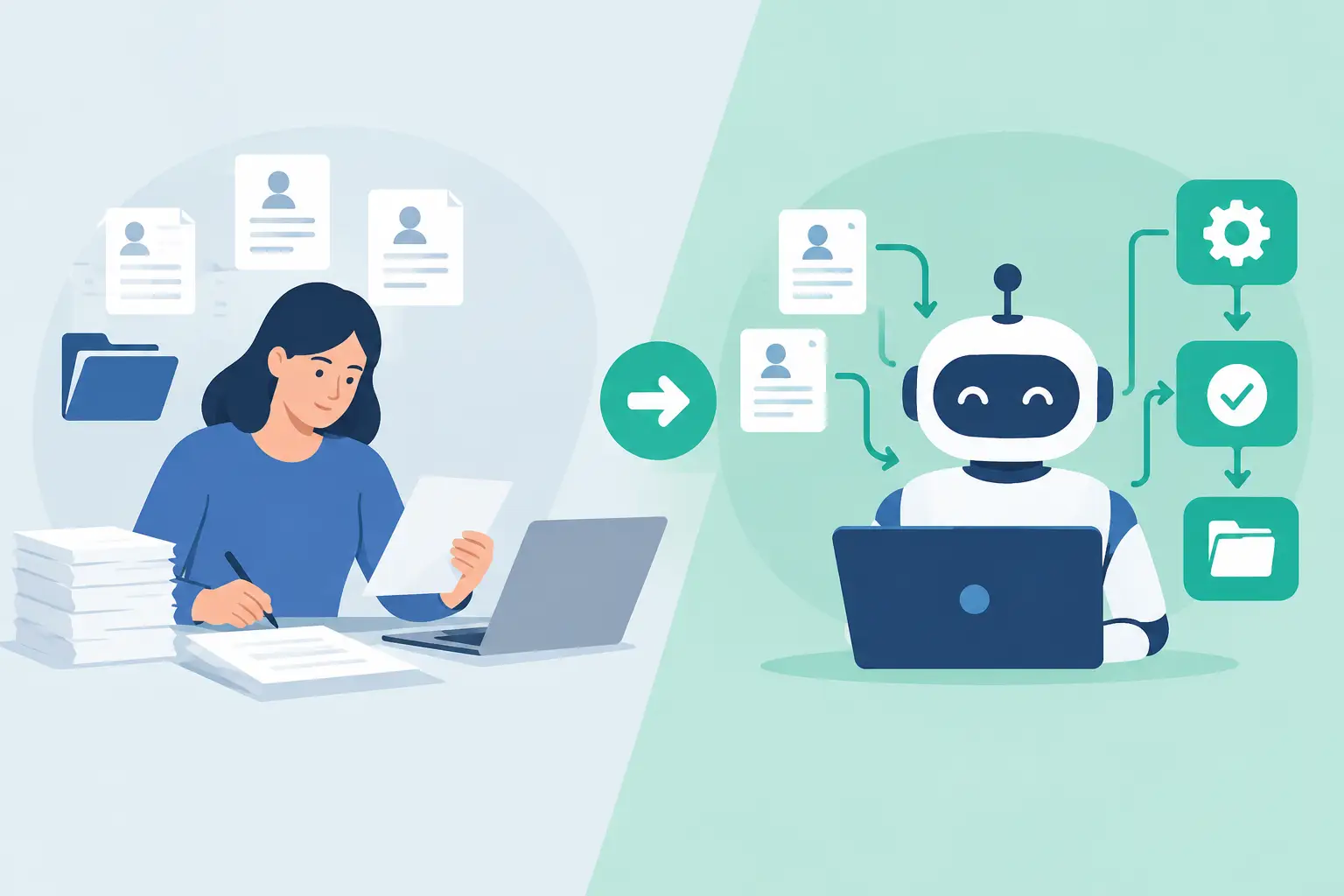
A new client sends a completed PDF, a photo of their ID, and a signed engagement letter in three separate emails. Someone on your team saves the attachments, notices one field is missing, asks for it, then rekeys the available information into a CRM. That is the real difference in manual intake versus workflow automation: one produces a chain of administrative tasks; the other produces a usable client case file.
For professional firms, intake is not just a front-door experience. It determines whether staff can begin work, whether compliance checks are defensible, and whether the information reaching downstream systems is complete. The question is not whether people can process forms manually. They can. The question is how much time, risk, and client patience the process consumes before work even starts.
Manual Intake Versus Workflow Automation: What Changes?
Manual intake relies on people to move information between tools and decide what happens next. A client might receive a fillable PDF by email, return it with documents attached, and then receive a separate link for e-signature. Staff download files, rename them, follow up on missing answers, compare identification details, update internal systems, and assemble documents for review.
That process can work when volume is low and every case is simple. It also gives experienced staff flexibility when a matter is unusual. But it makes the quality of the intake dependent on individual attention at every handoff. A missed attachment, an outdated form version, or a copied-and-pasted email address can create rework that surfaces days later.
Workflow automation defines the path before the client starts. The client receives one branded, mobile-friendly journey. Questions can appear based on prior answers. Required documents are collected in context. Identity checks, AML, KYC, or KYB screening can run at the appropriate point. Once the submission meets your rules, the workflow generates the right documents, routes them for review or signature, and delivers approved data to the systems your team already uses.
The shift is not simply from paper to digital. It is from staff-managed handoffs to rule-managed handoffs.
The Hidden Cost of “Just Send the Form”
Email-based intake rarely looks expensive in a budget line. Its cost is spread across short, repeated actions: opening messages, searching for attachments, chasing incomplete answers, saving files, reviewing versions, and entering the same data twice. Each action may take only a few minutes. Across dozens or hundreds of new clients, it becomes a persistent operations burden.
The client experience suffers too. Clients do not think in terms of your internal tools. They see a request, then another request, then a reminder asking for something they believed they had already supplied. If they need to print, scan, switch devices, or locate an old email thread, completion rates drop. For a lender, law firm, clinic, or insurance broker, that friction can delay revenue and make a capable organization appear disorganized.
Manual intake also complicates control. When documents live in inboxes, shared drives, and separate signature tools, it is harder to answer basic operational questions: Which version did the client sign? Who reviewed the ID? Did screening occur before approval? Is the full record retained in the correct place? A pile of attachments is not an audit trail.
Where Automation Delivers the Most Value
Automation pays off most when an intake process has repeatable rules, required evidence, or downstream handoffs. The higher the volume, the more visible the gain. But even lower-volume firms benefit when each case carries regulatory, legal, or financial consequences.
Complete data at the point of entry
A well-designed workflow prevents avoidable omissions instead of asking staff to find them later. Required fields, validation rules, conditional questions, and document requirements guide clients through the right path. A business applicant can be asked for ownership details while an individual applicant sees a simpler flow. A client selecting a high-risk service can be routed to enhanced due diligence questions.
This is not about making every form longer. It is about asking only what is relevant, then refusing to advance an incomplete submission. One link can replace a week of back-and-forth.
Documents, checks, and signatures in one record
Fragmented software creates fragmented evidence. A form tool may capture answers, an e-signature platform may hold the agreement, and a compliance vendor may store verification results somewhere else. Staff become the integration layer, manually matching records across tools.
A single workflow can collect client data, supporting documents, identity evidence, screening outcomes, completed forms, and signatures in one encrypted case file. It can generate documents from submitted data so names, addresses, and entity details do not need to be re-entered. When signatures are required, legally evidenced signing and PAdES-sealed documents provide a clearer record than an emailed PDF with a pasted signature image.
Faster internal decisions
Automation does not mean removing review. It means reserving human attention for the decisions that require judgment. A standard, complete case can move directly to the next team or system. A case with missing evidence, a screening alert, or a high-risk answer can be routed to a compliance reviewer with the relevant context already organized.
That routing matters. Operations teams should not need to interpret vague inbox instructions to know who owns the next step. Conditional branching makes the decision path visible, consistent, and easier to improve.
Delivery without rekeying
The final handoff is where many otherwise digital processes become manual again. A staff member downloads a form and transcribes it into a CRM, case-management platform, ticketing tool, or core banking environment. This adds delay and introduces data mismatch.
Workflow automation can send approved data and documents through webhooks or REST APIs once the right conditions are met. The receiving system gets a structured record, while the onboarding platform keeps the source evidence and completed document pack. Braigest is designed around this full path: intake, verification, review, signing, and systems delivery rather than a disconnected stack of forms, e-signature, and automation tools.
Automation Is Not a License to Build a Maze
A poor workflow can be as frustrating as a bad PDF. If every client sees every possible question, if approvals have no owner, or if a workflow asks for documents before explaining why, the technology merely formalizes confusion.
Start with the service outcome, not the form. Ask what must be true before your team can begin work. For example, an accounting firm may need entity details, authorized signer information, prior returns, an engagement letter, and identity verification. An insurance broker may need risk details, loss history, and supporting documentation. A clinic may need consent, intake information, insurance evidence, and privacy acknowledgments.
Then separate requirements into three categories: information the client enters, evidence the client uploads, and checks your business performs. This distinction makes it easier to design the workflow, configure conditional paths, and assign internal ownership.
When Manual Intake Still Makes Sense
Not every process should be automated immediately. A one-off engagement with highly bespoke documentation may be faster to manage manually, particularly if the workflow would take longer to configure than the process will ever save. Complex matters can also require a conversation before a client is ready for a structured request.
Even then, the best answer is often a hybrid model. Use a short qualification form to gather the basics, let a specialist assess the case, then trigger the appropriate intake workflow once the service path is clear. This keeps flexibility at the front while avoiding unnecessary email traffic once requirements are known.
The same caution applies to compliance. Automated checks can standardize evidence collection and escalation, but they do not replace the judgment required to assess a flagged result or unusual client circumstance. The goal is controlled review, not blind approval.
A Practical Way to Decide What to Automate First
Do not start by trying to rebuild every client process. Choose one intake flow where the pain is obvious: frequent missing information, repeated follow-ups, document sprawl, slow signature turnaround, or regular rekeying into another system.
Map the current journey from the client’s first request to the point where your team can confidently act. Count every email, attachment, manual copy, review step, and system update. The result is usually revealing. Teams often discover that the delay is not in the client’s willingness to respond. It is in the gaps between tools and owners.
Build the first workflow around a clear completion standard. Define the required data, accepted documents, validation rules, review triggers, signature order, and destination system. Test it with a small group of real users. Then inspect the cases that stall. If clients consistently abandon a particular step, simplify the language or move the request later. If reviewers repeatedly ask for the same missing evidence, make it required earlier.
The useful measure is not how many forms you digitized. It is whether a submitted case arrives complete, traceable, and ready for the next decision. When it does, your team can spend less time administering the work and more time delivering it.