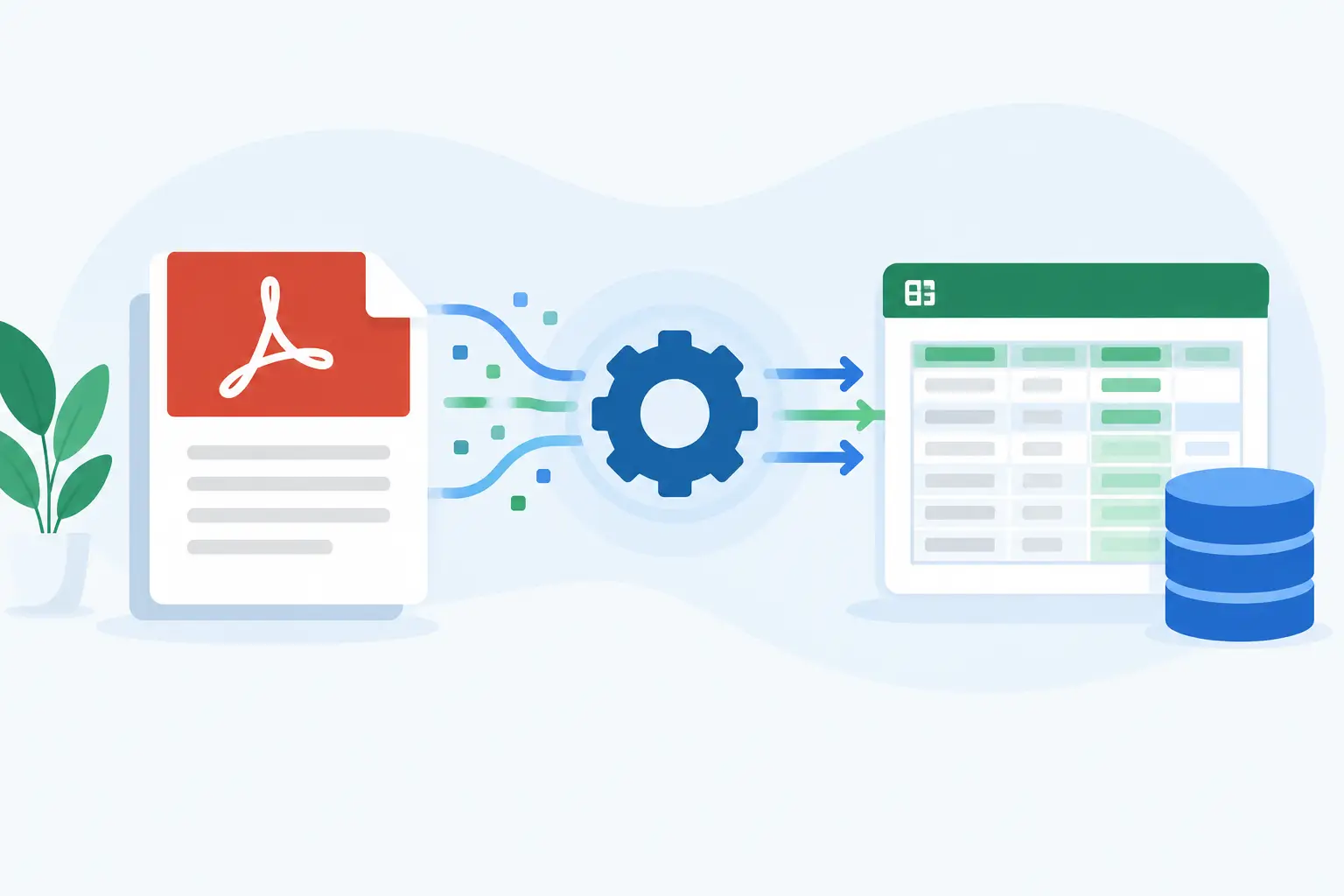
A client sends a completed PDF, a photo of an ID, and two supporting documents. Someone on your team opens each file, copies names, addresses, dates, and account details into a CRM, then emails the client for the fields they missed. That is not a document process. It is a workflow failure with a PDF at the center.
Learning how to extract PDF data is useful, but extraction alone is not the finish line. The operational goal is to turn information trapped in a document into verified, structured data that can be reviewed, reused, and delivered to the right system. For client onboarding teams, that means fewer attachments, fewer rekeying errors, and a complete client file instead of a pile of disconnected records.
Start by identifying the kind of PDF you have
Not every PDF stores information the same way. The right extraction method depends on whether the file contains selectable text, interactive form fields, scanned pages, or a mixture of all three.
A digitally created PDF, such as an exported application form or account statement, usually contains a text layer. Software can read the text directly and may also access the form-field values behind checkboxes, dropdowns, and signature fields. This is the cleanest case, although document layouts can still make tables and repeated fields difficult to interpret.
A scanned PDF is different. It is effectively an image inside a PDF container. Extracting information requires optical character recognition, or OCR, to identify letters and numbers on the page. OCR works well for clear, typed documents. It is less dependable when scans are crooked, low resolution, handwritten, blurry, or obscured by stamps and shadows.
Then there are hybrid files: an application PDF with editable fields, a scanned photo ID attached as a page, and a handwritten note in the margin. Treating every page as if it has the same structure creates unreliable results. Classify the document before choosing the extraction path.
How to extract PDF data in a workflow, not a spreadsheet
The fastest route is rarely copying a PDF into Excel. A better process captures data once, applies controls while it is being collected, and sends approved information downstream only when the file is complete.
1. Define the data you actually need
Begin with the destination, not the document. List the fields your CRM, case-management system, underwriting process, or compliance review needs: legal name, entity type, address, tax ID, beneficial owners, policy details, or consent dates.
This step exposes an uncomfortable truth: many PDFs collect information your team never uses, while failing to collect it in a format your systems can accept. If a field must become a CRM property, a KYC input, or a document-generation variable, define it consistently. “Client name,” “full legal name,” and “applicant name” may sound similar, but they create unnecessary mapping work when used interchangeably.
2. Extract text and form fields separately
For fillable PDFs, extract the underlying form fields wherever possible. Field-level extraction preserves structure and is generally more accurate than trying to infer meaning from the visual position of text on a page.
For static or scanned PDFs, use OCR to recover text. Then map the output against expected labels and patterns. A date of birth, for example, should be recognized as a date and tested against sensible formatting rules. An email address should be validated as an email address. A tax ID should follow the expected pattern for the jurisdiction and use case.
This distinction matters because OCR can read a character incorrectly. A zero may become an O, an 8 may become a B, and a poorly scanned address may lose an apartment number. Extraction should create a reviewable data point, not an automatic assumption.
3. Use document types and templates to add context
Raw text is not enough. The phrase “address” may refer to a home address, registered office, mailing address, or property address. A template gives the extraction process context by specifying where information belongs and what it should mean.
For recurring documents, create a reusable map for each document type. An insurance broker might map applicant details, vehicle information, and coverage selections. A law firm may map client identity details, matter information, and conflict-check data. A lender may map business details, ownership percentages, and requested financing terms.
Templates reduce variability, but they need maintenance. If a third party changes its form layout, a positional extraction rule can fail quietly. Build exception handling into the process, especially for documents received from outside your organization.
4. Validate data before it reaches your systems
The expensive part of extraction is not reading a PDF. It is correcting bad data after it has spread across systems.
Use rules that match the risk of the process. Required fields should not be blank. Dates should be plausible. Numeric fields should stay within expected ranges. Where a client uploads identity evidence, compare key details against the information they submitted. For regulated workflows, trigger KYC, KYB, AML, or sanctions checks at the appropriate point rather than leaving them as a separate manual task.
Not every mismatch means fraud or an error. A client may use a trade name on one document and a legal entity name on another. A reviewer needs the context to make a decision. The useful workflow flags the exception, shows the source document, and records what was approved and why.
5. Keep the source, extracted data, and decisions together
A value in a spreadsheet without its source document is difficult to defend. When teams extract PDF data for regulated or high-value client work, they need an audit trail that connects each submitted file, extracted field, review action, and final document.
Store the original PDF alongside the structured information. Record when it was received, who reviewed it, what changed, and what version was approved. If signatures are involved, preserve signature evidence and the final sealed document. For workflows using PAdES sealing, the signed PDF and its evidence should remain part of the same case record.
This is also a privacy issue. Client documents often contain IDs, financial records, health information, or corporate ownership details. Sending them through email threads and downloading copies to local desktops creates avoidable exposure. Use encrypted storage, role-based access, and retention controls that fit your legal and operational obligations.
When extraction is the wrong starting point
If your organization owns the intake process, the best way to extract PDF data may be to stop collecting it through a PDF in the first place.
A digital form can collect structured information at the source, apply conditional branching, validate entries immediately, and ask for supporting documents only when needed. A business applicant can add beneficial owners one at a time. A clinic can present consent questions relevant to a specific service. A real estate team can request proof of funds only after a buyer reaches the right stage.
The completed data can then populate generated documents, rather than forcing staff to extract it back out of a completed form. Clients still receive a familiar PDF document pack when necessary, but your operation retains usable data from the start.
This is where a platform such as Braigest fits: existing PDFs can become AI-assisted digital forms, while identity evidence, compliance screening, multi-party signing, review controls, and system delivery operate within one client journey. One link, not a week of attachments and follow-up emails.
Send approved data where work happens
Extraction becomes valuable when it removes duplicate entry. Once a reviewer approves a case, send the mapped fields and documents to the systems your team already uses through webhooks or REST APIs.
A practical integration should distinguish between draft, submitted, flagged, approved, and signed states. Sending incomplete data into a core system too early creates cleanup work. Holding approved data until a workflow reaches the correct status keeps downstream records more reliable.
Also decide what should be sent. Your CRM may need contact details and service status, while your document repository needs the signed pack and identity evidence. Your compliance platform may need ownership data and screening results. Avoid copying every sensitive document to every system simply because an integration makes it possible.
Measure the failure points, not just the volume
Track how often documents require manual correction, which fields cause the most exceptions, how long clients take to complete requests, and where cases stall. These measures show whether the issue is poor scan quality, confusing questions, weak validation, or an approval bottleneck.
The most useful PDF process is not the one that extracts the most characters. It is the one that gives your team trustworthy information, gives clients a simpler request, and leaves every decision easy to find when it matters.