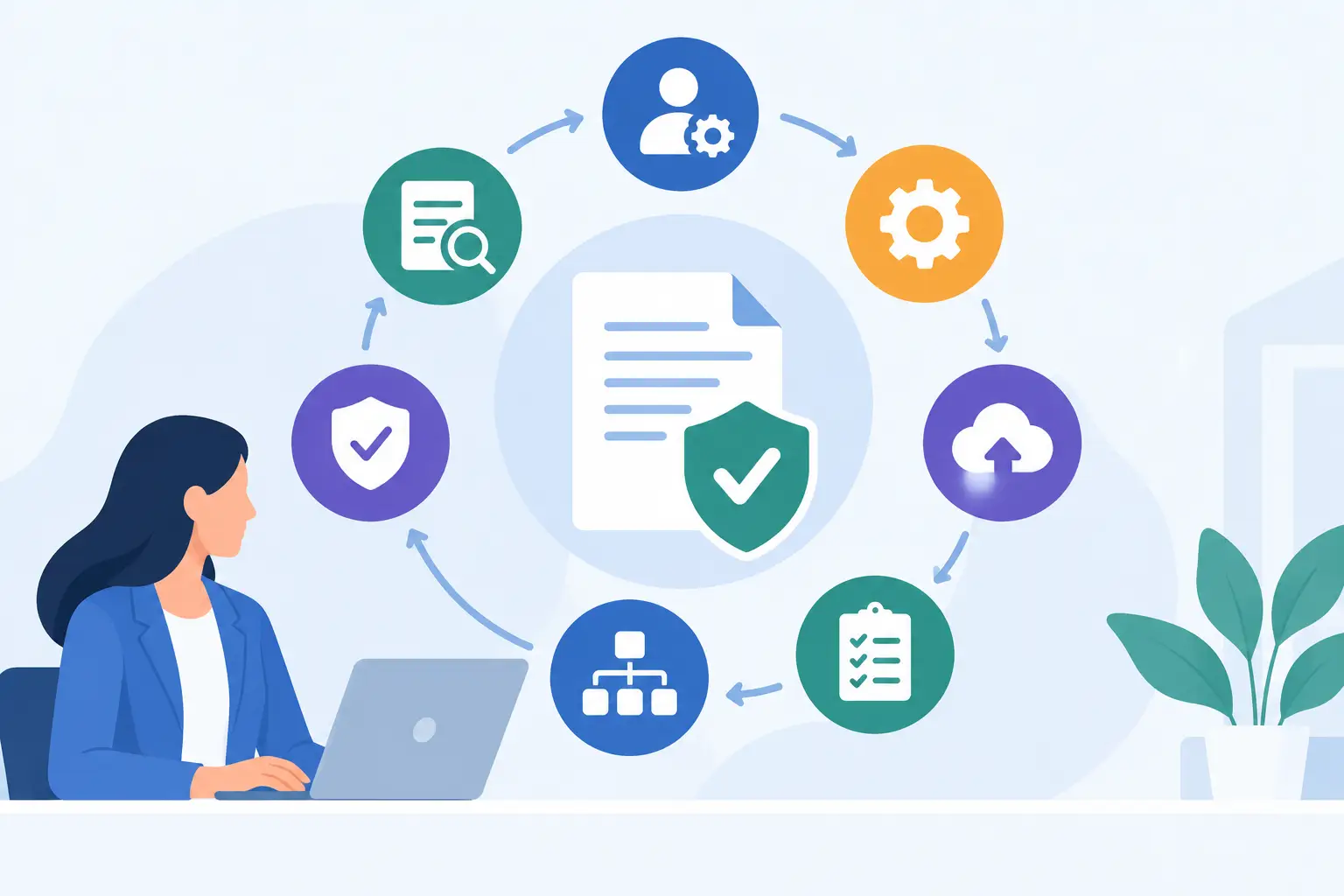
A client who has already sent their ID, tax form, and signed engagement letter should never receive another email asking for the same information. Yet that is exactly what happens when intake, verification, review, and signing live in separate tools. The essential compliance workflow features are the controls that turn this fragmented process into one accountable client journey.
For a law firm, lender, insurance broker, clinic, or accounting practice, the question is not whether to digitize a form. It is whether the workflow can collect the right evidence, stop incomplete cases, route risk to the right reviewer, and leave behind a file that can be understood months later without searching inboxes.
What a compliance workflow must actually do
A useful compliance workflow does more than put a PDF online. It coordinates the sequence of work around that document. A client supplies information, uploads evidence, completes identity checks, receives the right disclosures, signs at the right point, and triggers internal review only when the case is ready.
That sequence varies by industry. A straightforward accountancy engagement may need basic identity evidence and signed terms. A credit application may require beneficial ownership details, source-of-funds documents, sanctions screening, and a second-level approval. The platform should accommodate both without forcing teams to build separate stacks of forms, e-signature tools, automation connectors, and compliance vendors.
Here are the features that make the difference between a digital intake form and a controlled operational process.
1. Conditional intake that asks only what matters
A good workflow changes based on the answers a client gives. If an applicant is a company, the flow should request company details, directors, and beneficial owners. If they are an individual, those fields should disappear. If a client indicates elevated risk, the workflow can request additional documents and direct the case to enhanced review.
Conditional branching protects completion rates and data quality at the same time. Clients see fewer irrelevant questions, while your team gets the information needed for the specific case. It also prevents a common failure mode: staff discovering a missing document after a client has already signed and believing the process is finished.
No-code workflow design matters here. Operations teams should be able to adjust a question, condition, or approval path when policy changes, without putting a routine compliance update into a development queue.
2. Reusable data and PDF-aware document generation
Many firms are not starting from scratch. They have approved engagement letters, disclosure packs, applications, and regulated forms that must keep their existing layout. Rebuilding each one as a generic web form creates unnecessary risk and work.
Look for a workflow that can turn existing PDFs into guided digital forms, then reuse submitted data across every relevant document. A client’s legal name, address, entity number, and signatory details should be collected once and placed accurately wherever required. This removes rekeying, reduces transcription errors, and gives clients one link instead of a week of back-and-forth.
The trade-off is worth acknowledging. A highly customized legacy form may need cleanup before it can become a reliable digital template. That effort is usually far smaller than repeatedly correcting incomplete PDFs and manually merging client attachments.
3. Secure document collection with clear requirements
Email is a poor document collection system. Attachments arrive in different formats, get forwarded between people, and disappear into personal inboxes. A compliance workflow should give clients a secure, mobile-friendly place to upload exactly what is requested, from a passport image to proof of address or corporate registration documents.
Requirements should be explicit. Tell the client which documents are accepted, whether all pages are needed, and what makes an upload unusable. The workflow should flag missing items before submission, not leave an operations coordinator to chase them later.
Every upload also needs to belong to the case file. That means encrypted storage, role-based access, and a record showing who provided the file and when. A complete client file is more useful than a pile of attachments, especially when a different team member must pick up the case.
4. Identity verification built into the journey
KYC is not a box to add after onboarding. It is part of the decision to proceed. The strongest workflows can request identity evidence, guide a client through verification, and associate the result with the client record rather than leaving staff to reconcile separate dashboards.
The right level of verification depends on your risk model and jurisdiction. Some firms may only need documentary evidence and a manual check. Others need automated identity verification, liveness checks, or validation against data sources. A workflow should support that policy choice while making the client experience straightforward.
Integration matters more than novelty. If identity results do not automatically inform the review stage, someone still has to copy statuses, download reports, and decide whether a case is complete. That is not control. It is manual reconciliation wearing a digital label.
5. AML, sanctions, and business screening controls
For regulated firms, collecting an ID is only one part of the picture. The workflow may need to screen individuals and businesses for sanctions, politically exposed persons, adverse media, ownership structures, or other risk indicators. KYB processes also need a practical way to capture entity details and identify the people behind the business.
Screening should be tied to a decision path. A clear result might allow the case to move forward automatically. A potential match should stop the process or create a review task with the supporting evidence available. The goal is not automation for its own sake. It is consistent handling of exceptions.
Policies differ. A real estate agency, payments business, and small legal practice will not necessarily use the same screening rules or escalation thresholds. Configurable controls are more valuable than a rigid checklist because they let the workflow reflect the firm's documented policy.
6. Review queues, approvals, and exception handling
Not every case should move directly from client submission to approval. Compliance workflows need review gates that show staff what is complete, what is missing, what has failed a check, and what requires judgment.
A reviewer should not have to open five tools to make a decision. The submitted form, uploaded evidence, verification status, screening results, notes, and generated documents should be organized in one case view. From there, an authorized user can approve, reject, request changes, or escalate the file.
Role-based permissions are central here. A client-service team may be able to request missing information, while a compliance manager can clear a screening alert and an approver can release a final document. Separating those responsibilities reduces accidental approvals and provides a clearer audit trail.
7. Multi-party signing with defensible evidence
Signing is often treated as the finish line, but the signature process itself needs controls. A workflow should support signing orders, multiple signatories, reminders, and signatory-specific fields. A company director may need to sign after an internal reviewer approves the file, while a guarantor may need a separate document and deadline.
For documents that carry legal or evidentiary weight, look beyond a signature image. The completed file should preserve the signing event, timestamps, signer identity context, and document integrity. PAdES sealing can help demonstrate that a signed PDF has not been altered after completion.
The appropriate signature method depends on the document type, governing law, and your organization’s risk tolerance. But the operational principle remains simple: do not make staff manually assemble a signing packet after all other work is done. Signing should be a controlled stage in the same workflow.
8. A permanent, searchable audit trail
When a regulator, auditor, manager, or client asks why a case was approved, your answer cannot be “someone checked it.” You need a usable record of what happened: the information submitted, documents received, checks run, exceptions raised, approvals made, signatures captured, and changes requested.
An audit trail is valuable even outside regulated sectors. It reduces disputes, shortens handoffs, and helps firms prove that a client received the right terms. More importantly, it turns operational knowledge from something held in an employee’s inbox into a record the business can rely on.
Retention requirements vary, so teams should be able to align storage and access practices with their own legal, contractual, and privacy obligations. Centralization does not remove the need for a retention policy. It makes following one far more practical.
9. Delivery into the systems where work continues
Onboarding is only useful when approved information reaches the systems that run the business. After review and signing, client data and sealed documents may need to enter a CRM, case-management platform, ticketing system, core banking environment, or internal database.
Webhooks and REST APIs allow the workflow to deliver the correct outcome at the correct point. A completed case can create a customer record, update a case status, attach a signed agreement, or notify a downstream team. This avoids the familiar bottleneck where an operations specialist manually copies data from a form into a CRM and hopes nothing changed.
For smaller firms, an integration does not need to be elaborate to be valuable. Even a reliable handoff of approved data and documents can eliminate hours of repetitive work each week. Braigest is designed around this full path: collect, verify, review, sign, and deliver from one controlled workflow.
Build for the exceptions, not just the happy path
The best compliance workflow feels simple to a low-risk, prepared client. Behind that simplicity, it should be ready for a missing document, an unclear identity result, an additional owner, a failed screening check, or a second signer who has not responded.
Start by mapping the point where your team currently leaves the system and returns to email, spreadsheets, or manual PDFs. That break is usually where evidence gets scattered and follow-up multiplies. Fix that handoff first, and the rest of the workflow becomes easier to control.